Which setting actually keeps sound running until the alarm — repeat, or a sleep timer? That is the real question behind how to loop sleep sounds all night, and it has a short answer: repeat keeps it going, timers end it, and most of the 3am silences people blame on a playlist come from a timer nobody remembered switching on. There is no hidden feature to hunt for here. There are two or three toggles, set once with the lights still on, and then you never think about them again.
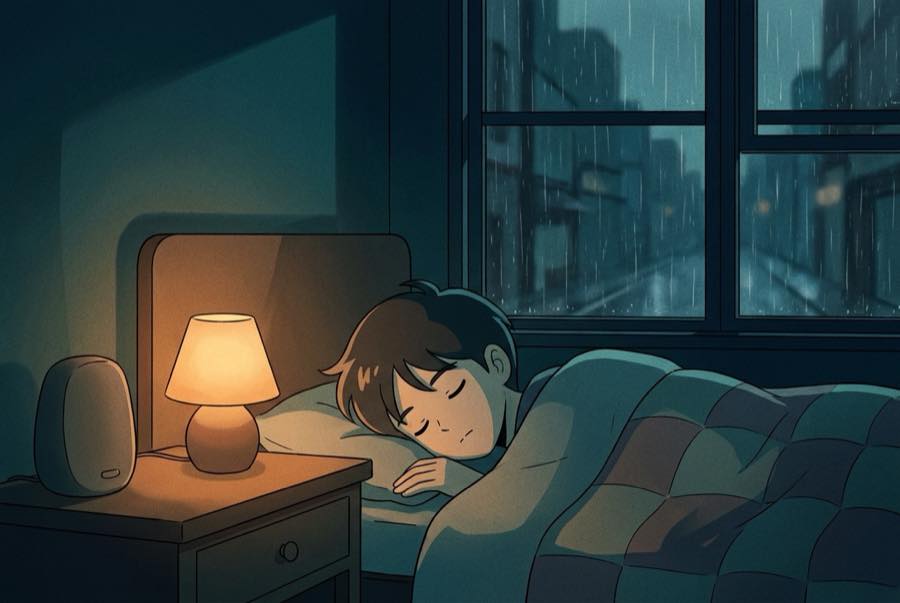
Why the ending is the part that wakes you
Steady sound mainly works by masking — it lifts the floor of the room so a door, a car, or a pipe stands out less against it — and the honest version of that story is in why rain sounds help sleep. What matters for looping is the flip side. If the sound has been holding that floor up for four hours and then stops, the floor drops in an instant, and a sudden drop is a change. Change is what a sleeping brain checks on.
So the failure people describe is almost never "the sound was wrong." It is "the sound ended." That distinction is worth holding onto, because it tells you what to fix. You are not shopping for better audio at 3am. You are making sure nothing in your setup is scheduled to stop.
The long-file detour, and why looping wins
The instinct when a sound quits mid-night is to go looking for something longer — an eight-hour track, a ten-hour video, something with a number big enough to outlast you. It is a reasonable instinct and it mostly does not work, because a long file is still a file with an end, often stitched from shorter pieces with soft spots at the seams. The full case is in rain sounds for 10 hours.
A loop has no end to reach. Short, seamless tracks set to repeat will outlast any single recording, because the length of the night stops being something you have to predict. Whether you fall asleep at ten or at one, whether your alarm is at six or at nine, the same setup covers it.
How to loop sleep sounds all night: the settings that matter
Do all of this before lights out, in one pass, while a bright screen still costs you nothing.
Turn repeat on — and check which repeat. Most players cycle through three states: off, repeat all, repeat one. You want repeat all, which sends the playlist back to its first track when it reaches the end. Repeat one works too, but a single track looping for a whole night is more monotonous than most sleepers like. Tap the repeat icon until it shows the whole-playlist state, and confirm it visually rather than trusting muscle memory.
Switch off every timer. This is the step that fixes the problem for most people. Sleep timers hide in more places than you would guess: inside the music app's own menu, inside the phone's clock or bedtime section as a "stop playing" option, inside a bedtime or focus routine you set up months ago, inside a smart speaker's own timer, and sometimes inside a car or headphone app that kept a setting from a commute. Anything that can stop audio on a schedule has to be off tonight.
Kill any auto-stop for inactivity. Some players pause after a stretch of no interaction, and some smart speakers do it too. If your sound has been dying at a suspiciously round hour, this is a likely culprit. Look for a setting worded like "stop playing after" and turn it off.
Set the volume now, low. Whatever level you land on, land on it with the lights still on and your head on the pillow, because a dial adjusted at 1am costs you a lit screen and ten minutes. Keep it quiet enough that your alarm still cuts through. The method for choosing the level — the tests that tell you when it is right — is in what volume for sleep sounds.
Give it power and put the screen down. A full night of audio is a real battery ask. Plug in, face the screen away or set it down, and if your phone has a low-power mode that clamps background activity, be aware it can interfere. Charging solves most of it.
Decide what is allowed to interrupt. A do-not-disturb or focus mode keeps notifications from talking over the sound in the middle of the night. Just check that alarms are still permitted before you rely on it.
Give the loop something worth repeating
A loop is only as good as what is in it, which is why the tracks have to be steady and free of fade-outs before they are worth setting to repeat — what makes a rain sound work walks through the checks. Repeat is unforgiving in one specific way: it exposes every seam, over and over, at the hour you are least able to ignore one. Rain on the Roof — All Night Sleep was assembled for that particular pressure — steady rain with no fade-outs and no thin patches, sequenced to hand off cleanly so the return from the last track to the first is not an event you can hear. Set it to repeat, switch off any sleep timer, and it will run for as long as you let it.
If rain is not your texture, the same repeat-and-forget setup works with any sound family — ocean, fan hum, forest, thunder — and the full guide library covers each of them.
When a timer is actually the right call
Looping is the default, not a law. A timer earns its place in a few real situations.
If you share a bed with someone who wants quiet after they are under, a timer is the fair compromise — long enough to carry you past the falling-asleep part, then out of their night. If you are on a device you cannot charge, a timer protects the battery you need for the alarm. If you are using headphones and would rather not sleep in them for hours, a timer gives you a reason to take them out.
The tradeoff is honest either way: a timer means the sound stops at some point, and the stop can wake you. If it does, set it longer. If a longer one keeps waking you at the same hour, stop using it and plug the phone in instead.
Two things that quietly break a loop
Headphones that pause themselves. Many pairs pause when they detect they have been removed, and an ear that shifts on a pillow can trigger that. If your sound stops when you roll over, this is why. Turn off the wear-detection or auto-pause setting in the headphone app, or use a speaker.
A connection that drops. Streaming over patchy wifi or a weak signal can stall a loop even when every setting is correct. Where your player allows downloads or offline playback, using them removes the whole category of problem — and it removes a second category too, since the things that arrive between tracks when you stream are covered in sleep sounds without ads.
Check the alarm last
Everything above is a setting you change once and forget. The alarm is the one thing to look at every night, and it is worth making it the last screen you see, after the repeat toggle and the timers and the charger — because a loop that runs perfectly until nine in the morning is not a success if you needed to be up at six. Set it, put the phone down, and let the room hold.
This article is for general information and isn't medical advice. If sleep problems persist, talk to your doctor.